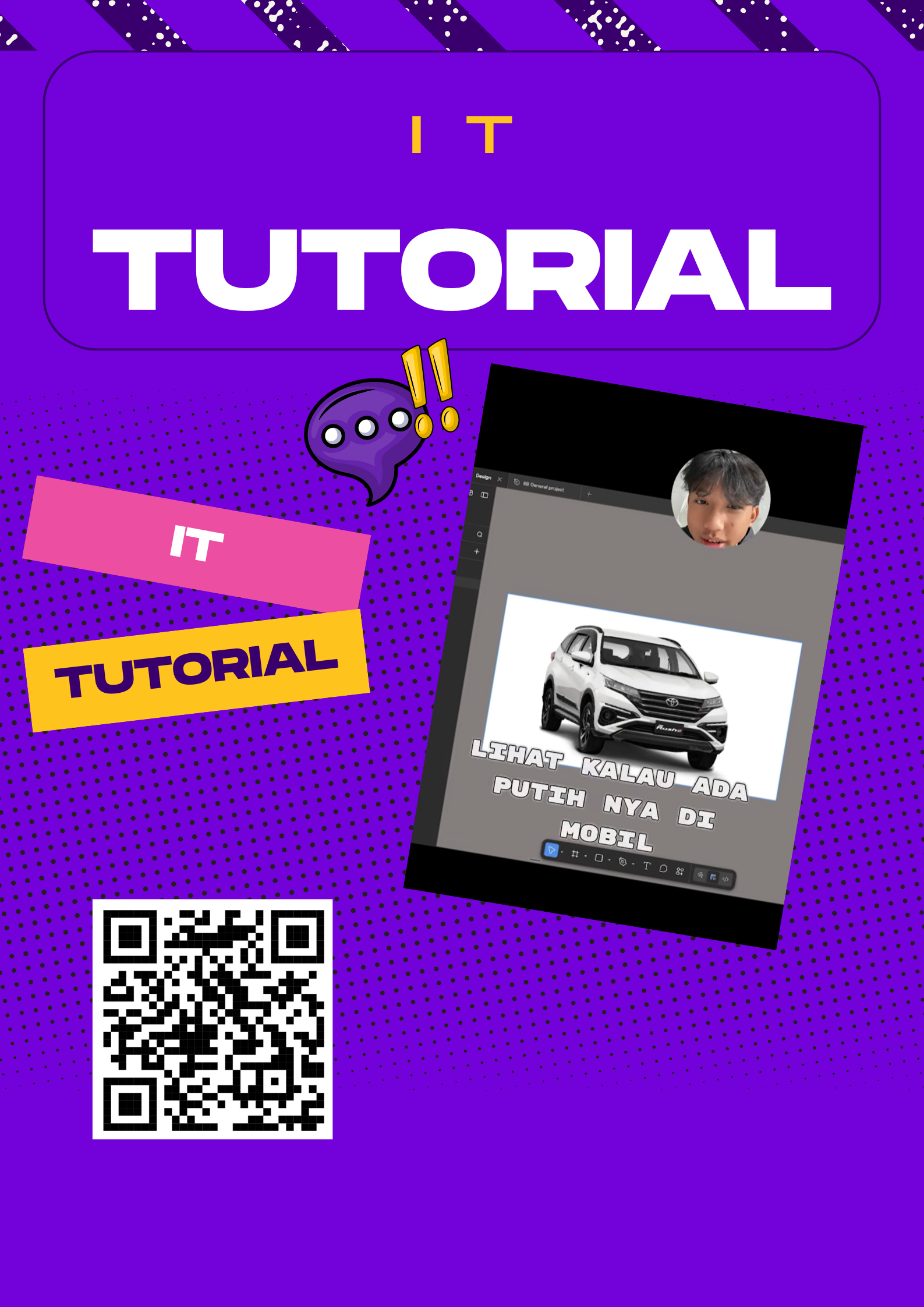
Installing the Remove Background plugin in Figma is an easy process that helps designers edit images more efficiently. First, open the Figma application using either the web version or desktop app and log into your account. After entering your dashboard, open an existing design file or create a new one, because plugins can only be accessed inside a file. Next, click on the “Resources” icon located in the top toolbar, then select the “Plugins” tab. In the search bar, type “Remove BG” and choose the appropriate plugin from the results. Click the “Install” button to add it to your account. Once installed, upload an image into your canvas, right-click the image, choose “Plugins,” and select “Remove BG.” The plugin will automatically process the image and remove its background within seconds, making your design cleaner and more professional.Seeing this situation, I thought of creating an app that could help hikers stay safe and informed.The main purpose of this app is to help beginners climb mountains safely, comfortably, and enjoyably. Many people want to try climbing for the first time, but often feel hesitant due to lack of experience, limited knowledge about mountain conditions, or fear of encountering unexpected situations. With this app, I want to ensure that anyone—including new climbers—can enjoy a pleasant climbing experience without constantly worrying about potential risks.